
Wondering if Netflix is giving you the best quality stream for your buck? You’re not alone. With ever-rising subscription costs, it’s important to know if you’re really getting that crisp 4K experience. Netflix, like other streamers, can adjust video quality to keep streams smooth, but that could mean you’re watching below 4K without knowing it.
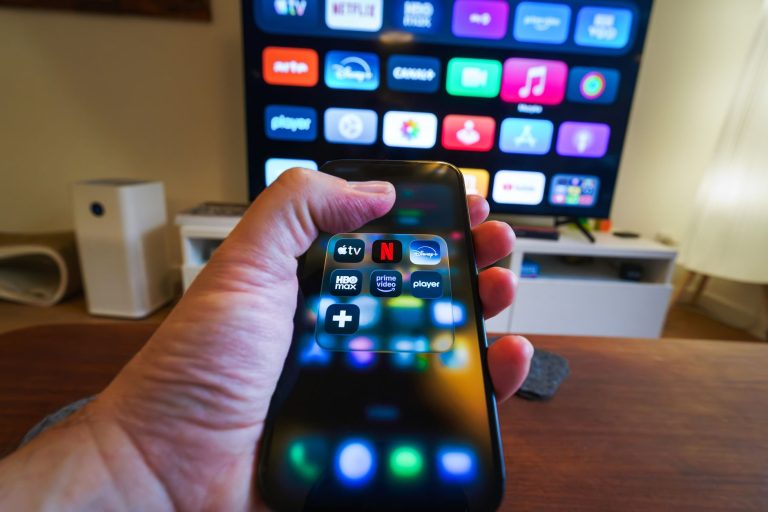
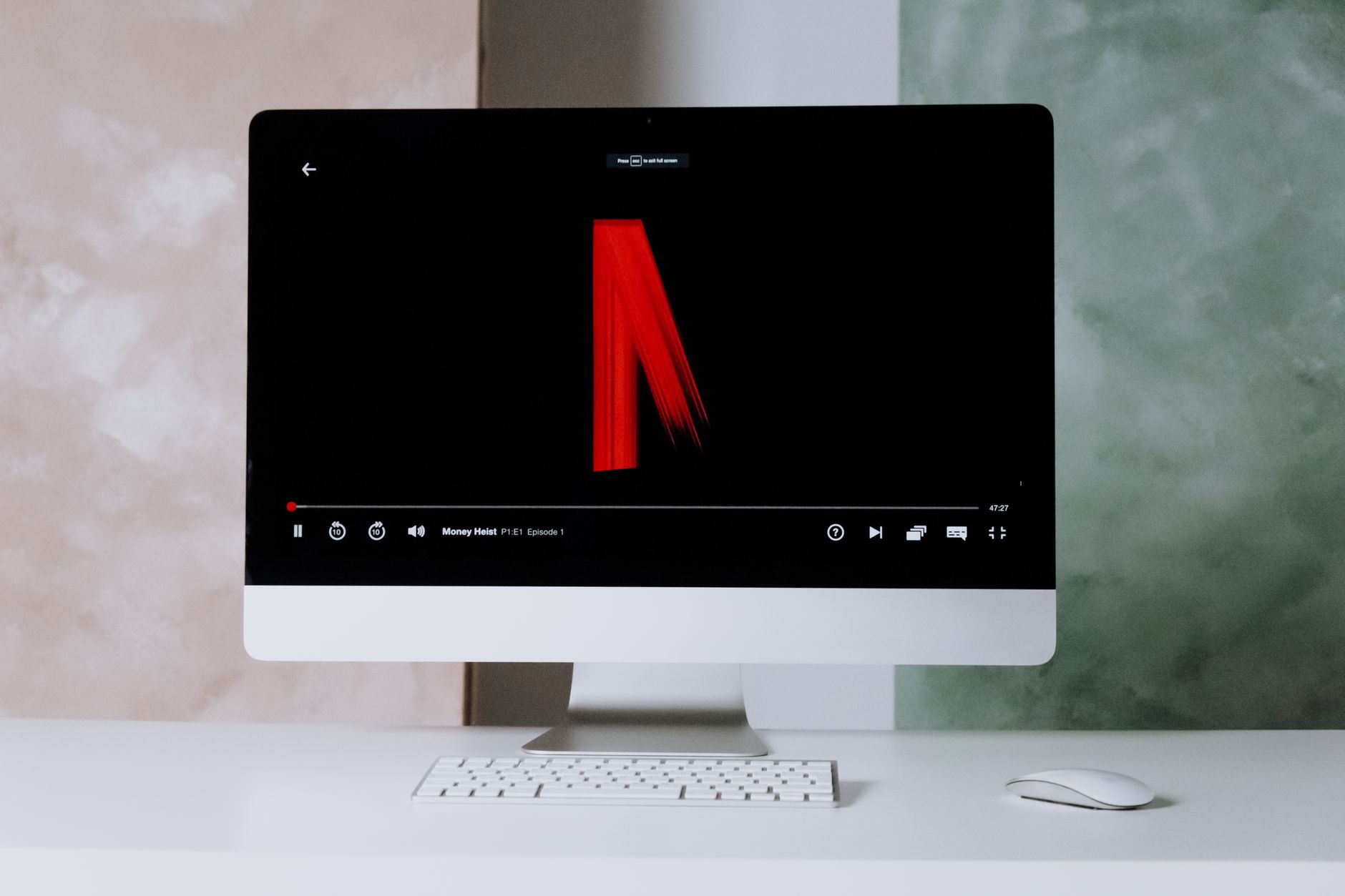
Fortunately, Netflix has some built-in tools to help you check your stream quality. On your computer, a quick shortcut (Ctrl + Alt + Shift + D) will display the bitrate and frame rate, key indicators of your stream’s resolution and smoothness. If you’re on a mobile device, head to the app settings to see what quality your device can handle. For smart TVs, the info button or a Bluetooth keyboard can reveal similar details. Want more tech tips? Check out our guide on fixing Snapchat issues.
Keep in mind, even if you’re paying for 4K, your hardware might not meet Netflix’s standards. Devices with 1440p displays, common in gaming setups, might only stream in 1080p. If you’re a gamer, you might also be interested in the latest gaming reveals to make sure your setup is top-notch.
So, next time you’re watching your favorite show, take a moment to check your streaming stats. It could explain why your picture isn’t as sharp as you’d like. Stay tuned for more streaming tips and check out our latest deals to upgrade your setup.
Photo by cottonbro studio on Pexels