
If your Hulu shows aren’t looking as sharp as you’d like, you might want to check your settings. Hulu’s auto-quality settings could be quietly downgrading your picture, and knowing how to tweak them can make a big difference.
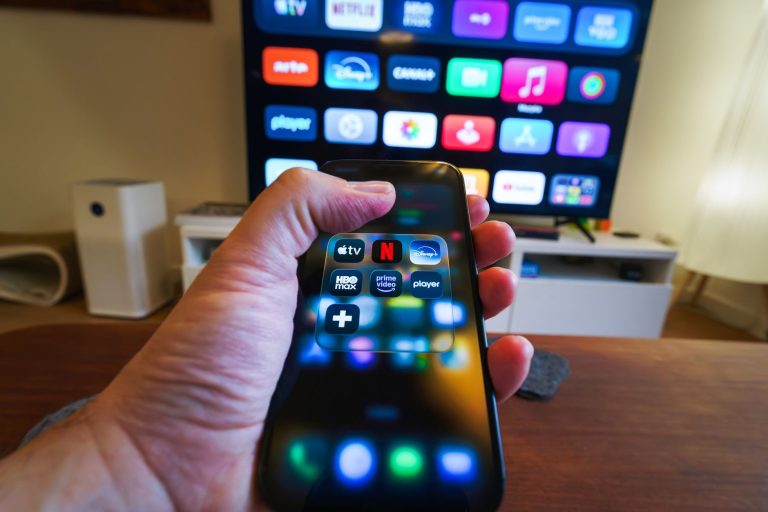
Hulu lets you stream in a range of resolutions, from standard definition up to 4K Ultra HD. However, the quality you get depends on a few things: your device, the content, and your internet bandwidth. Sometimes, Hulu might not deliver the best possible resolution, especially if you’re streaming through a web browser, which supports only up to 720p. To get better picture quality, try using the Hulu app on a compatible device, like a fourth-gen Apple TV or a new Apple TV 4K.
Your streaming device can also impact quality. Devices like Samsung TVs, Fire Sticks, and certain gaming consoles can support higher resolutions, unlike some Rokus or Android TVs. If you enjoy gaming and streaming, check out how the Steam Machine stacks up in performance.
To boost your Hulu experience, switch off ‘Data Saver’ and consider using Hulu’s app rather than a browser. Stay tuned for any updates from Hulu or check out our tips on maximizing your streaming setup. Happy streaming!
Photo by Stefan Coders on Pexels